Conwrite app icon.

Turn any text into your handwriting

Create your handwriting font once — then instantly convert any text into your own handwriting. Perfect for homework, study notes, letters, and more.

4.4 on the App Store

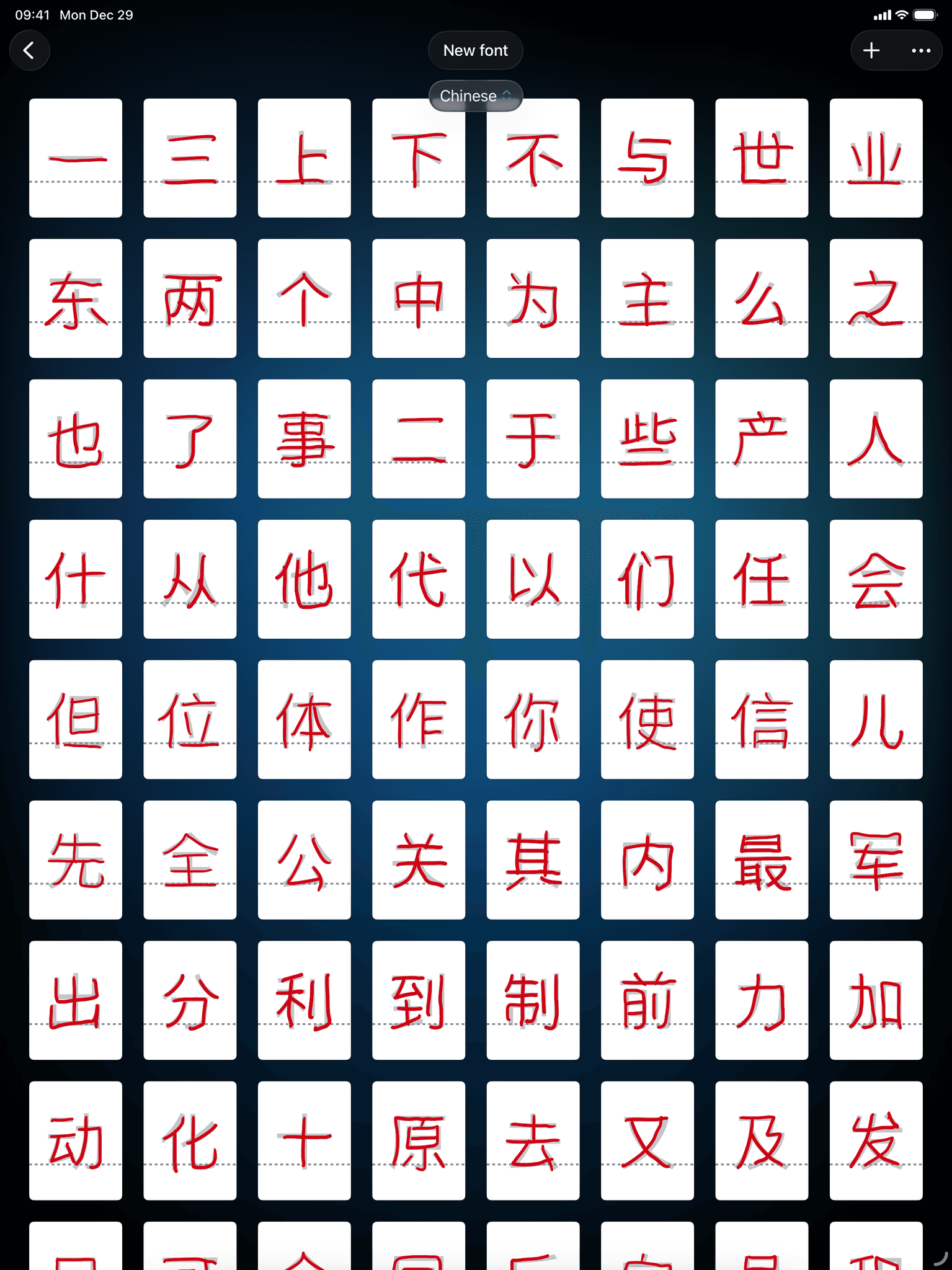
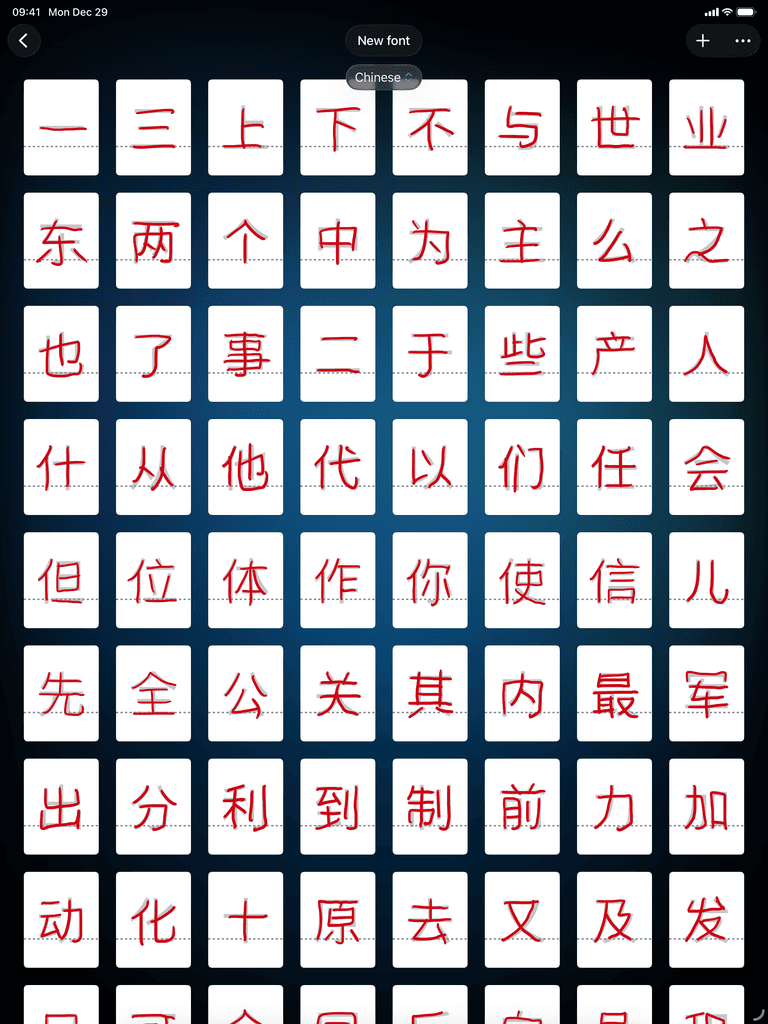
Chinese characters handwriting font grid in Conwrite app on iPad
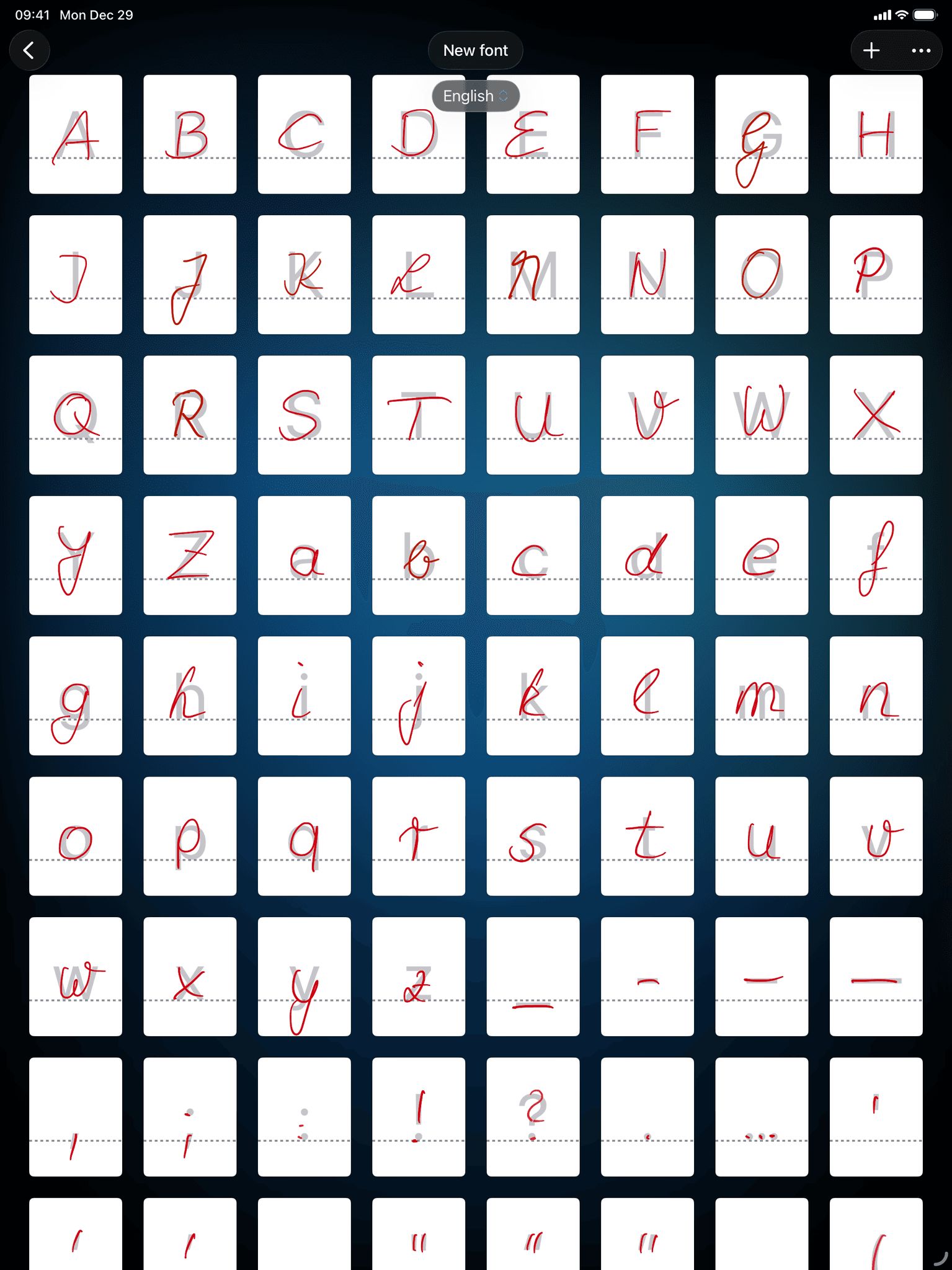
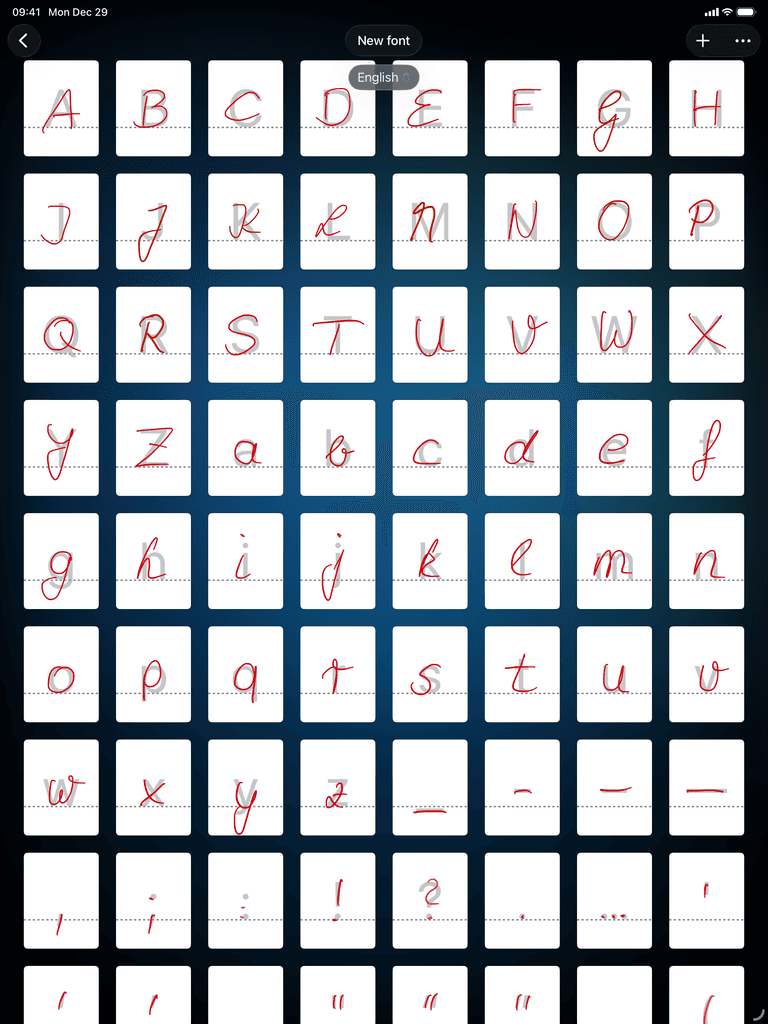
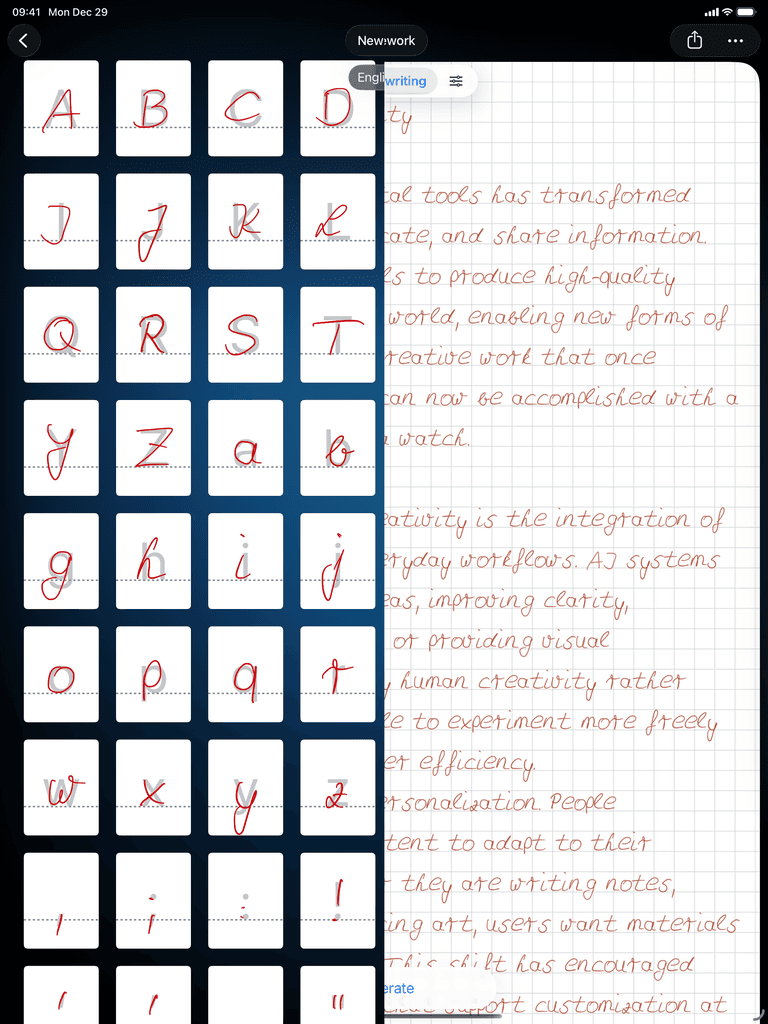
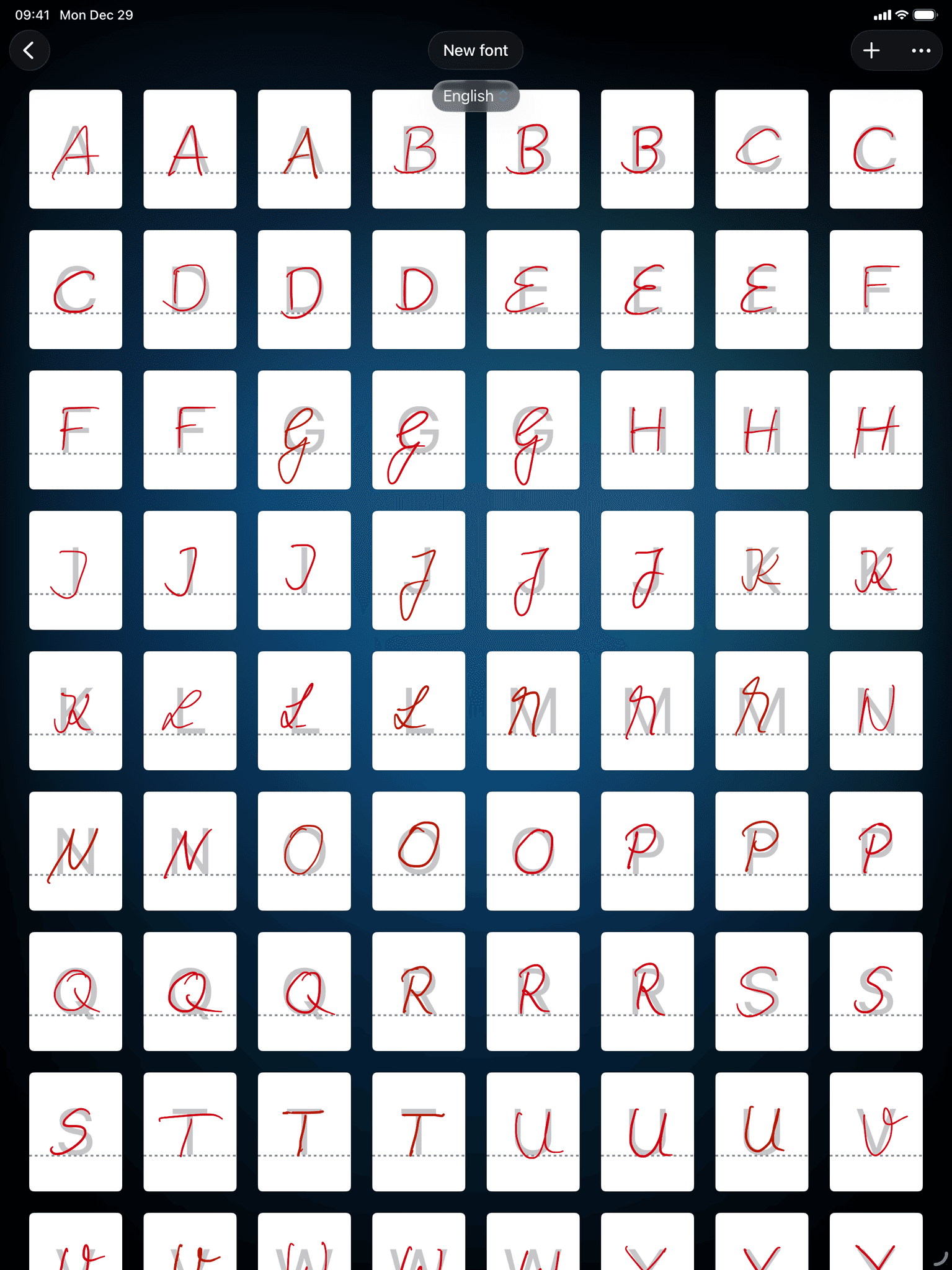
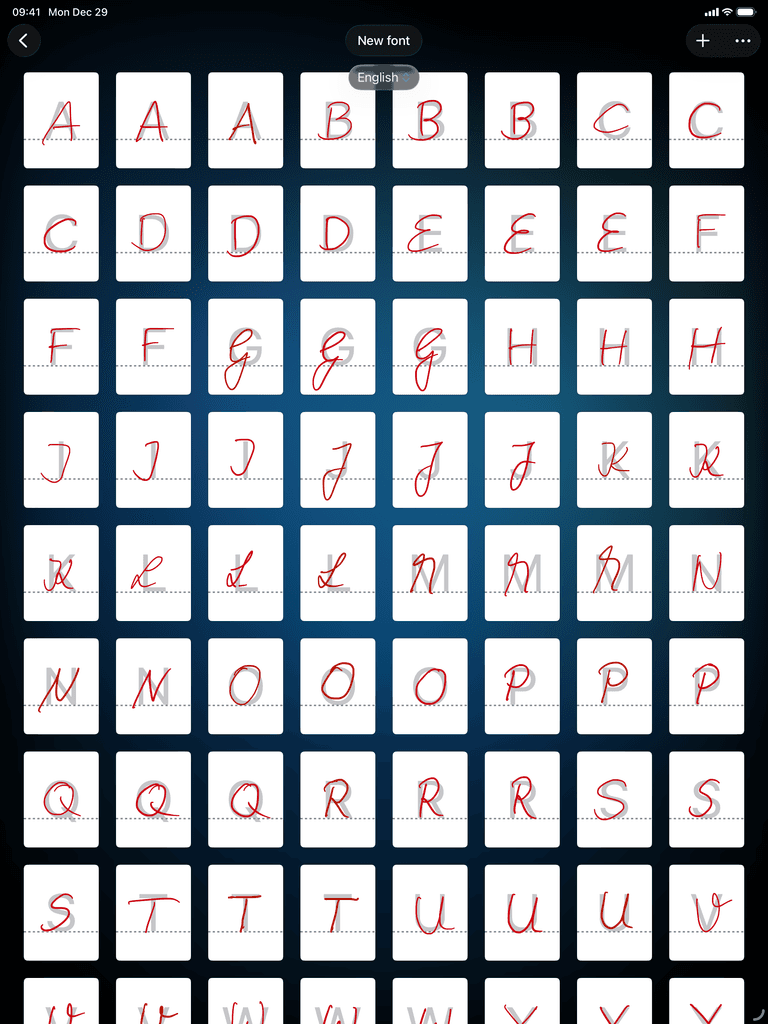
Latin alphabet handwriting font creation in Conwrite app on iPad
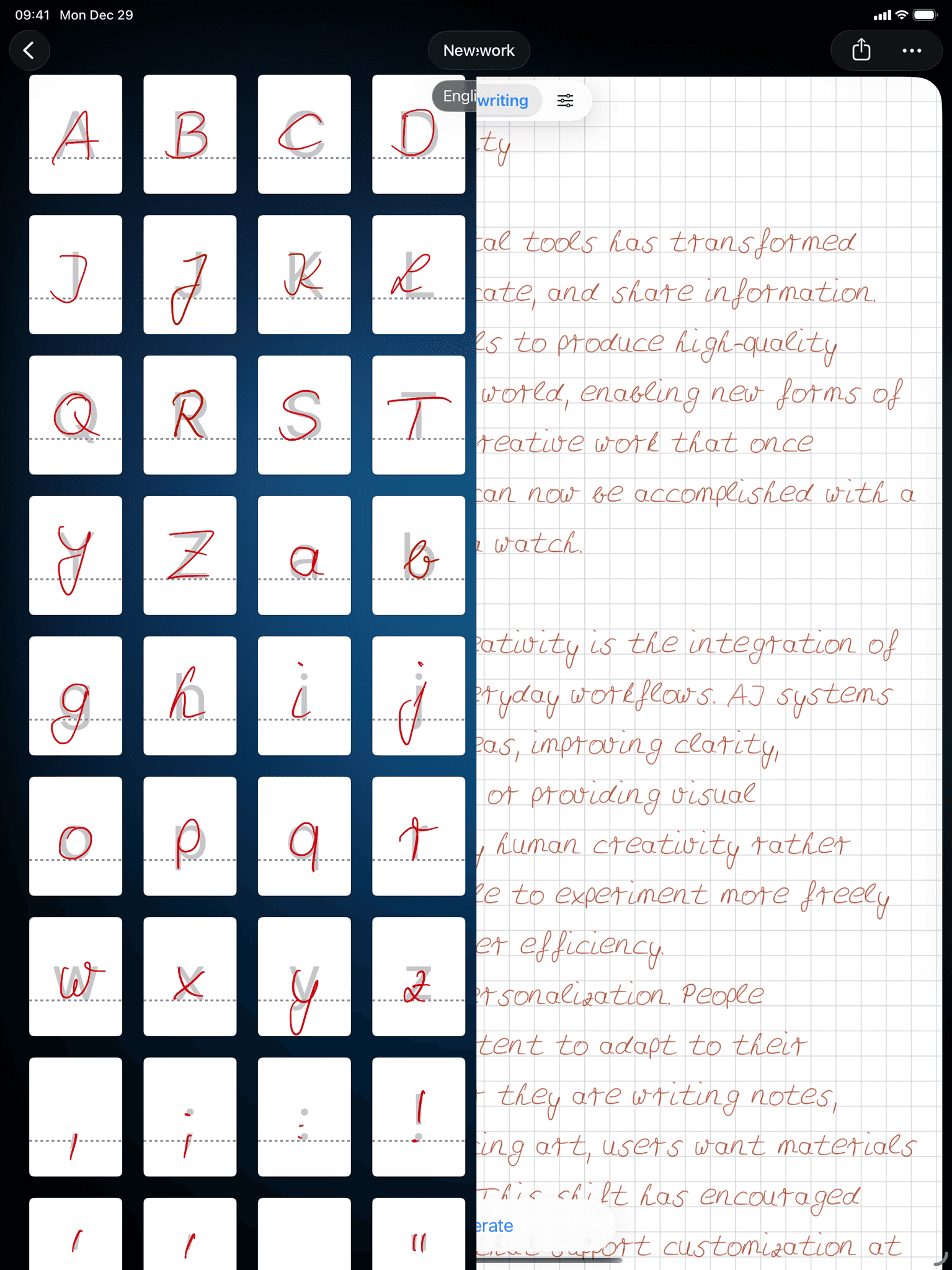
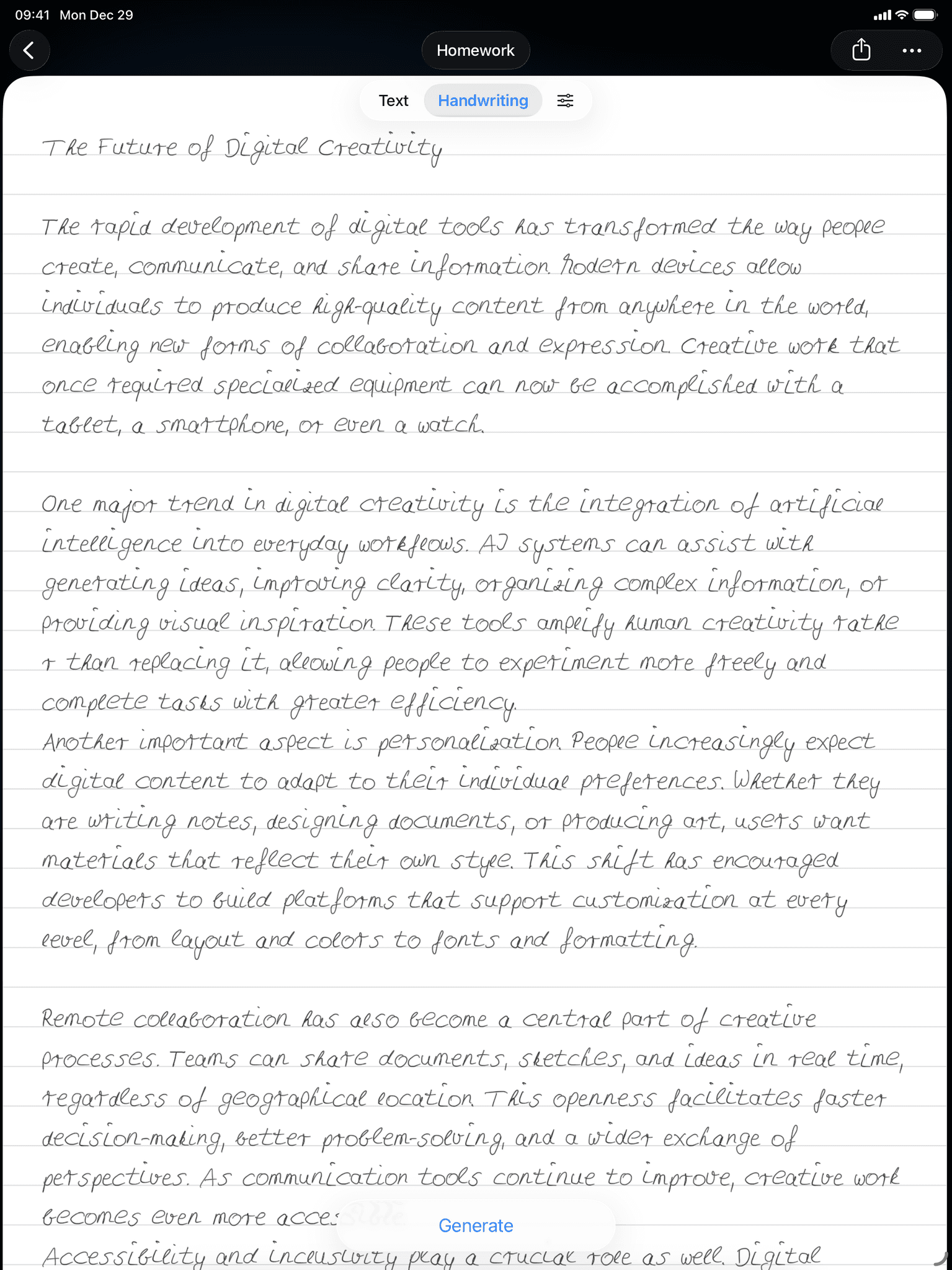
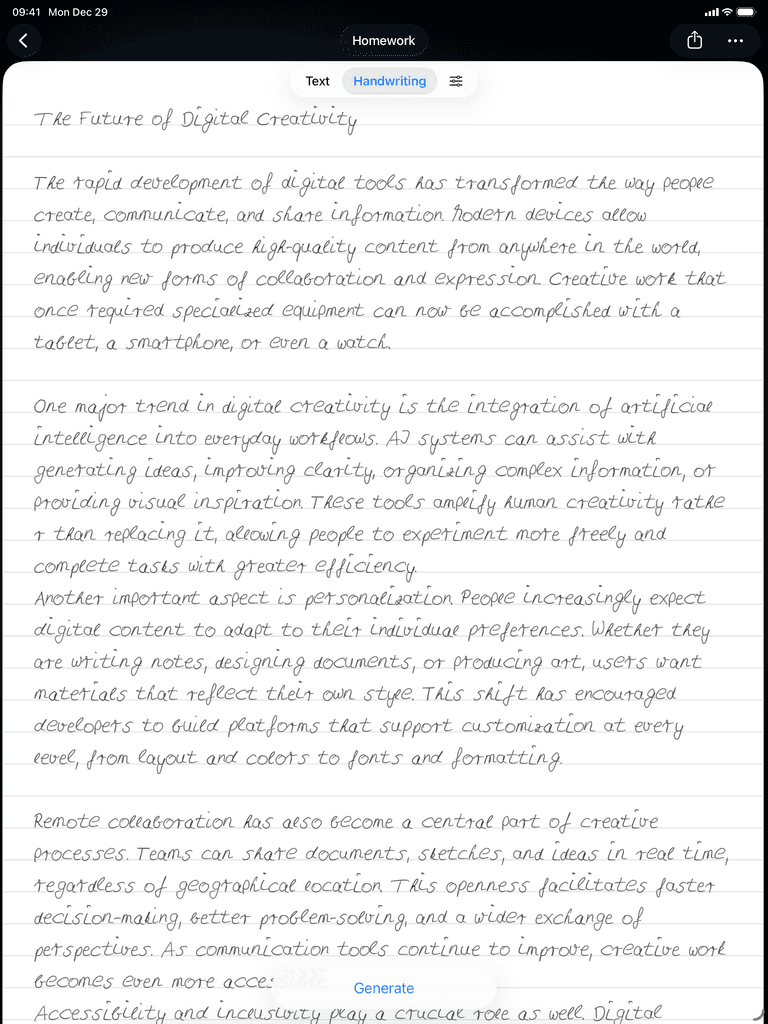
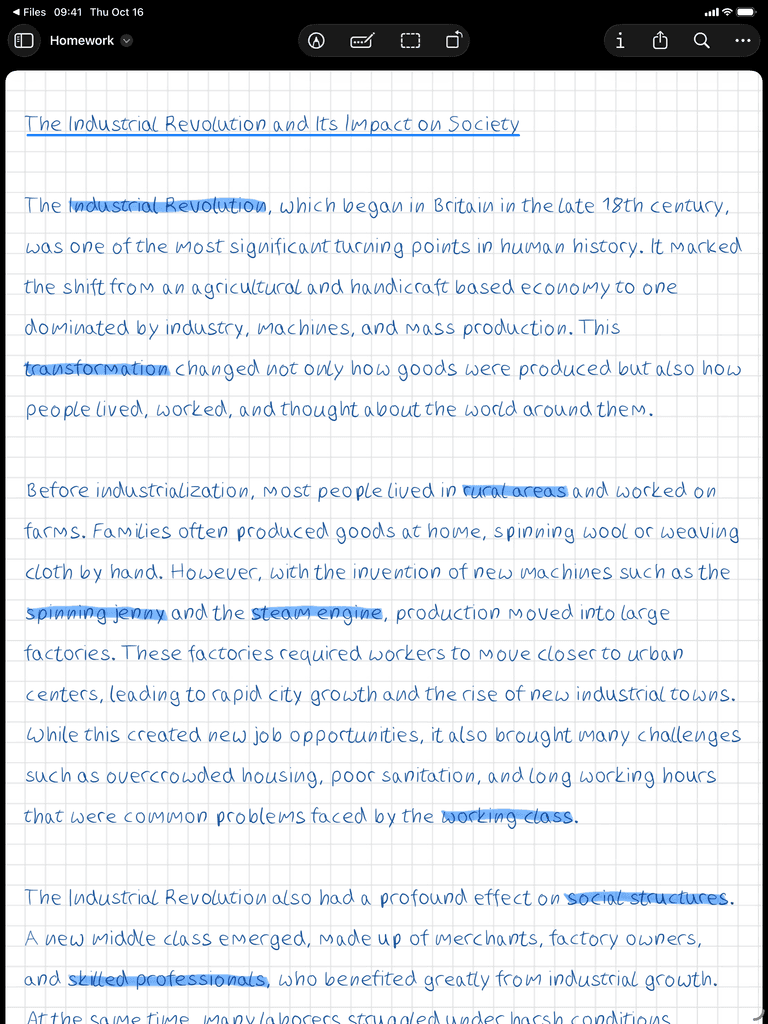
Handwritten document generated from typed text in Conwrite app on iPad
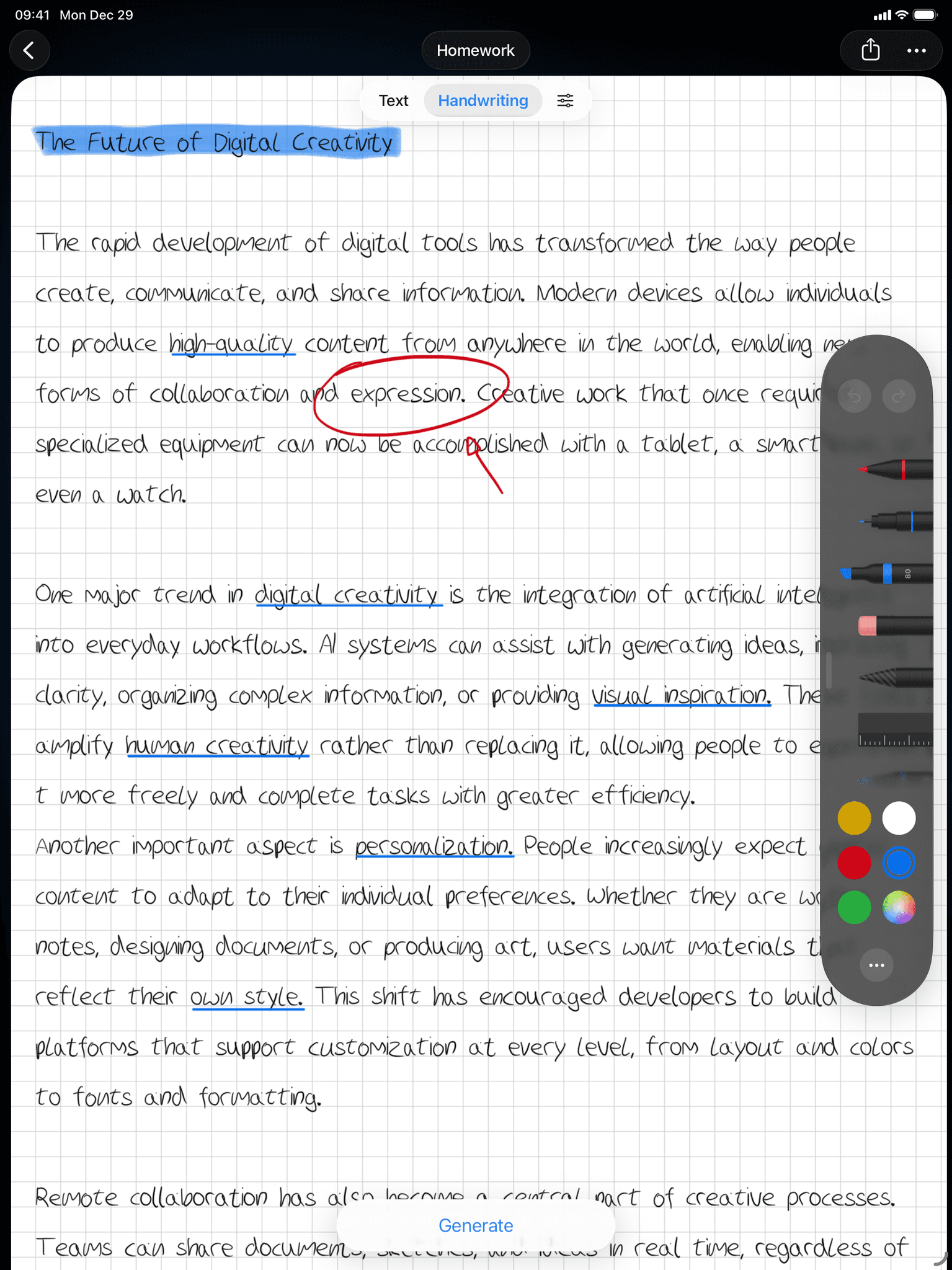
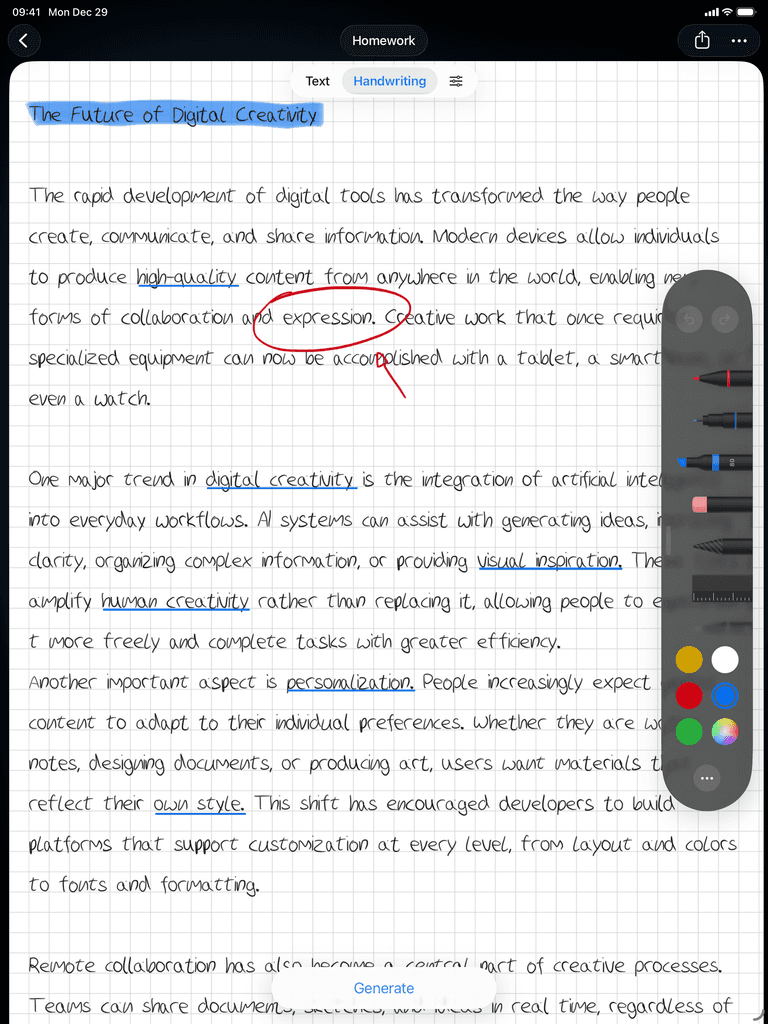
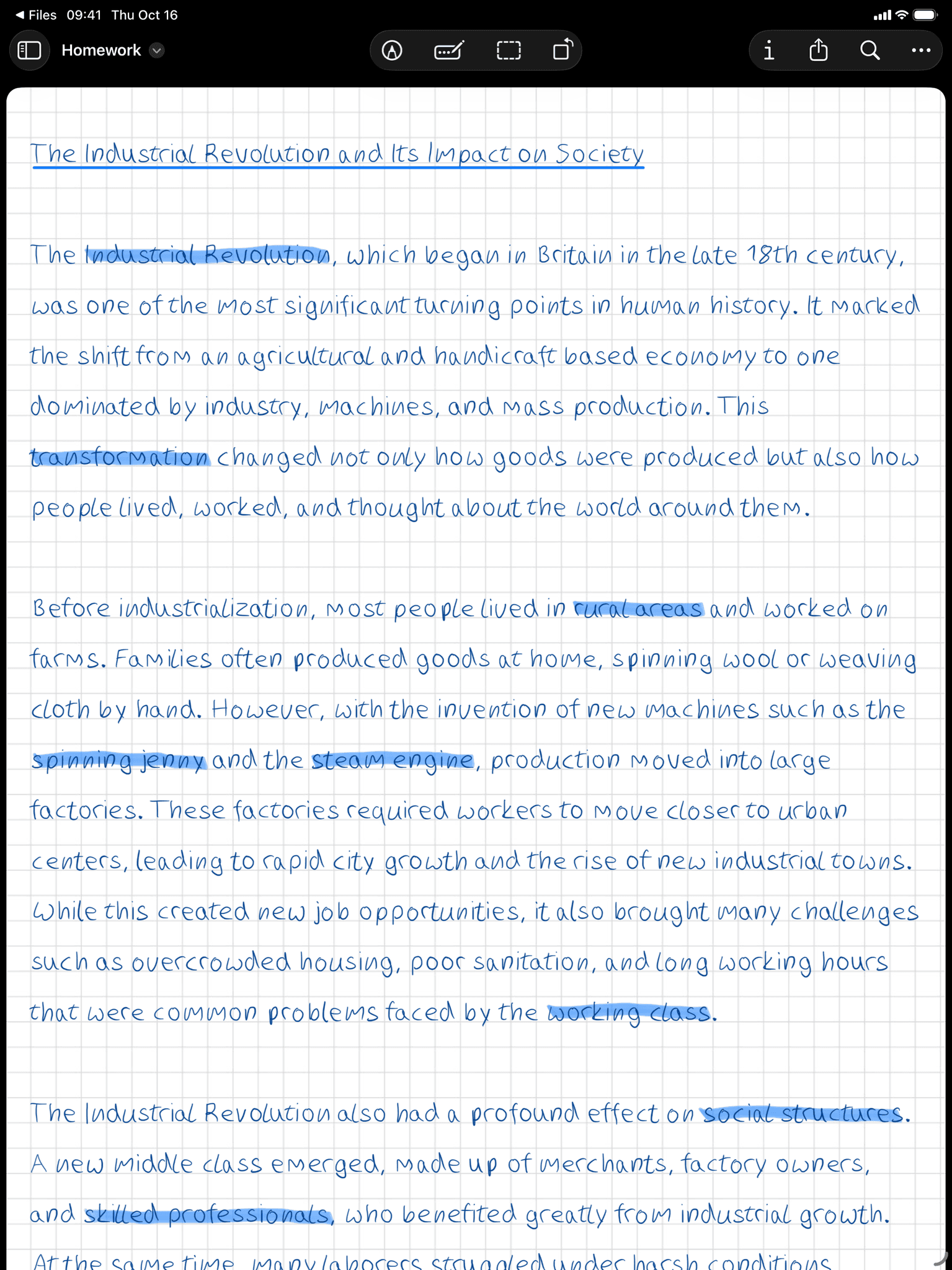
Handwriting editing tools with eraser and highlighter in Conwrite app on iPad
Creating a personal handwriting font with Apple Pencil in Conwrite

Create your personal handwriting font with Apple Pencil.

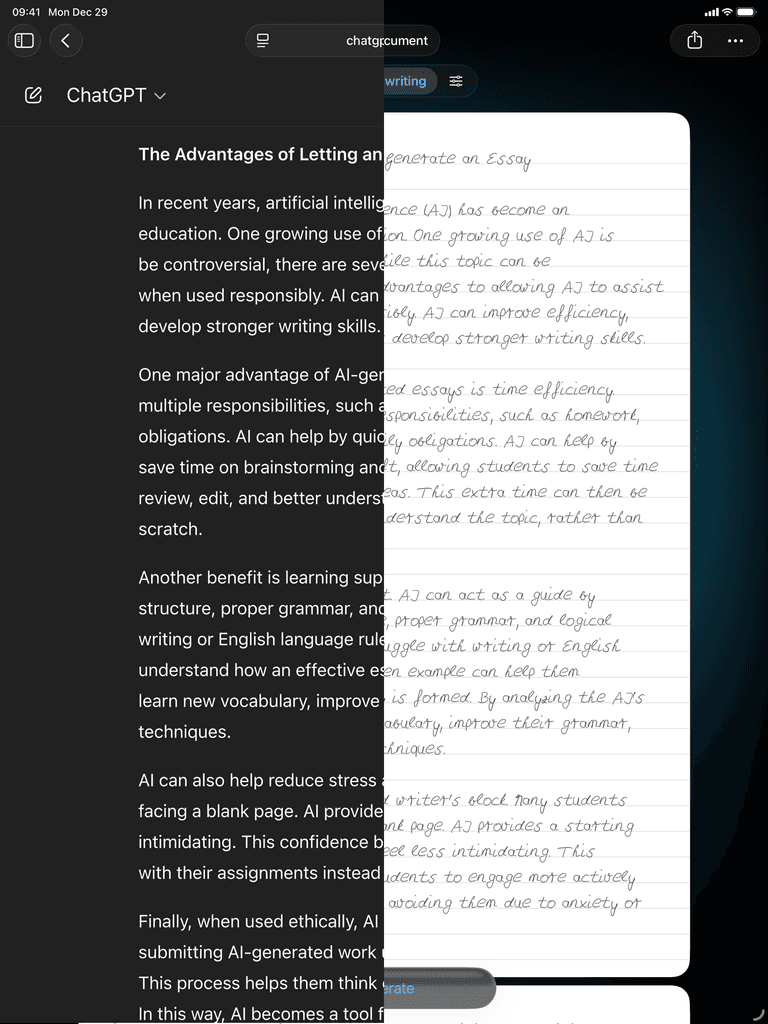
Typing and pasting text into Conwrite to convert into handwriting

Type or paste any text - essays, notes, or AI-generated content.

Handwritten document exported as PDF ready to share

Instantly convert & export as a handwritten PDF or image.

Conwrite app icon.

Over

15.000

Downloads

Over

20.000

Created Fonts

More than

100.000

Generated Documents

What it's
made for.

Whatever you write — make it personal.

Sparkles icon representing AI-generated content.

AI-Generated Content.

Make ChatGPT output look like it was written by hand — by you.

Clipboard icon representing homework and essays.

Homework & Essays.

Convert typed assignments into your own handwriting in seconds.

Book icon representing study notes.

Study Notes.

Turn lecture transcripts or AI summaries into handwritten notes you'll actually remember.

Envelope icon representing letters and cards.

Letters & Cards.

Create personal letters, invitations, or thank-you notes without picking up a pen.

Globe icon representing 33 supported languages.

Any Language.

Write in 33 languages including Chinese, Russian, Greek, and more.

Paintbrush icon representing creative projects.

Creative Projects.

Journals, planners, social media content — anything that deserves a personal touch.

What it
can do.

What it
can do.

From creating your font to exporting the final document — here's what you can do with Conwrite.

From creating your font to exporting the final document — here's what you can do with Conwrite.

Create Your Own Handwriting Font

Drawing custom handwriting letters on iPad with Apple Pencil in Conwrite

33 Languages Supported

Chinese character handwriting font with 33 languages supported in Conwrite

Add Natural Letter Variations

Multiple handwritten letter variations for natural looking text in Conwrite

Turn Any Text Into Your Handwriting

Handwritten Notes From AI-Generated Text
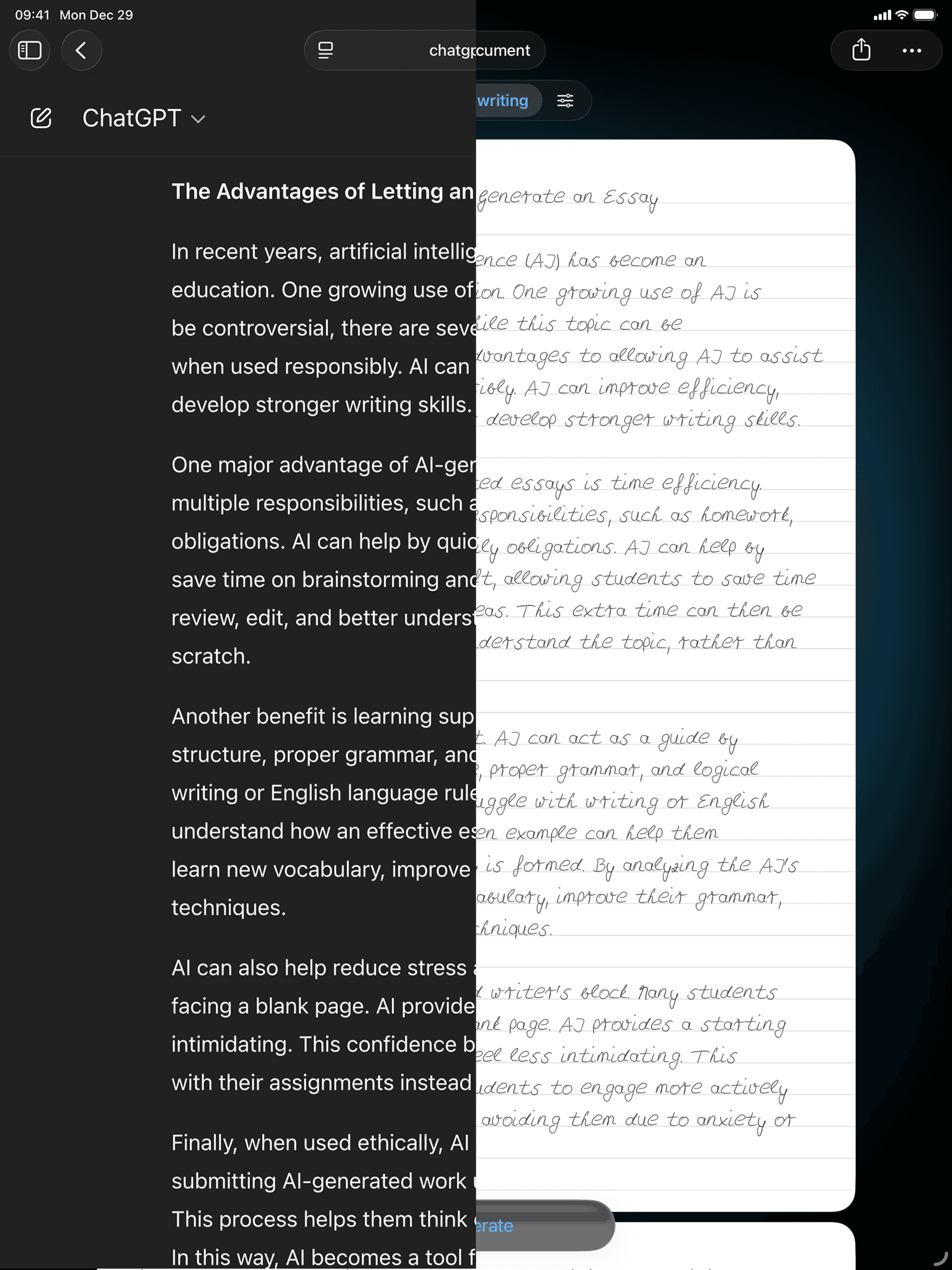
AI-generated ChatGPT text converted to handwritten notes in Conwrite

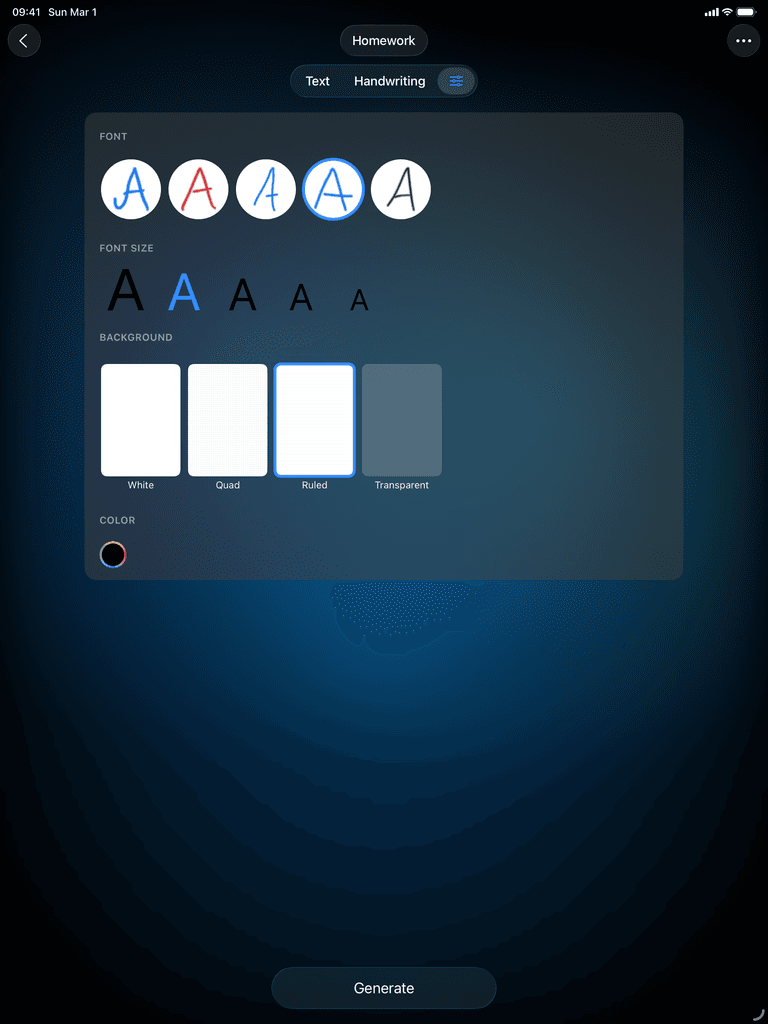
Custom Backgrounds, Sizes and Colors
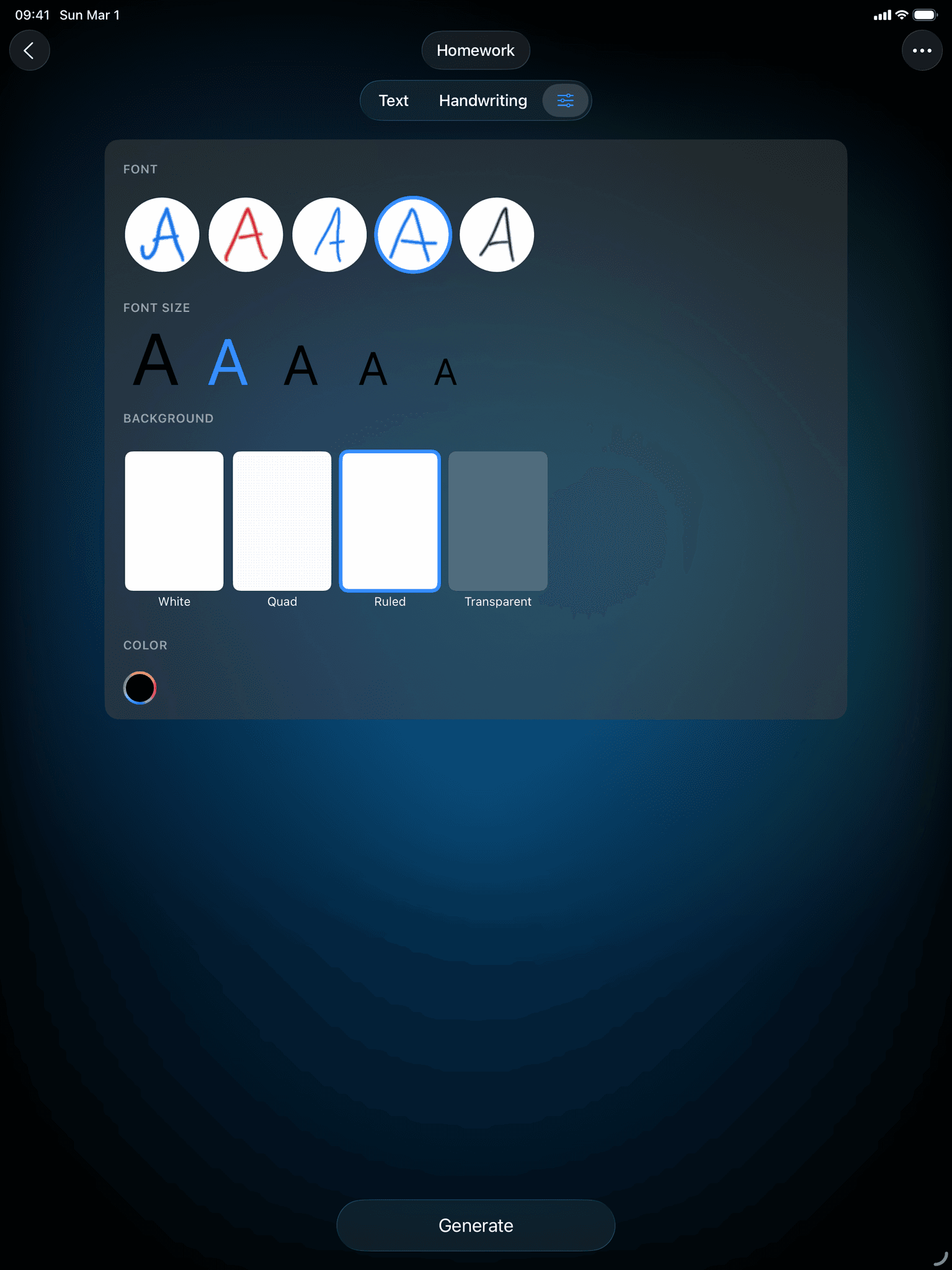
Custom background colors and font sizes for handwritten documents in Conwrite

Edit Freely With Tools Like Erase And Highlight

Editing handwritten text with eraser and highlight tools in Conwrite

Export As PDF Or Image

Handwritten document exported as PDF or image in Conwrite

What our
users say.

What our
users say.

Loved by students, teachers, and creatives worldwide.

Loved by students, teachers, and creatives worldwide.

Best text converter

"Best text to handwriting app out"

Best text converter

"Best text to handwriting app out"

Works great!

"Using it to convert generated Text from ChatGPT into my handwriting."

Works great!

"Using it to convert generated Text from ChatGPT into my handwriting."

Pretty cool app

"Came in handy while working on some stuff"

Pretty cool app

"Came in handy while working on some stuff"

Questions? Answers.

Questions? Answers.

Conwrite app icon.

Generate handwritten documents

Create your font, paste your text, get your handwriting. Download the app and create your first document.